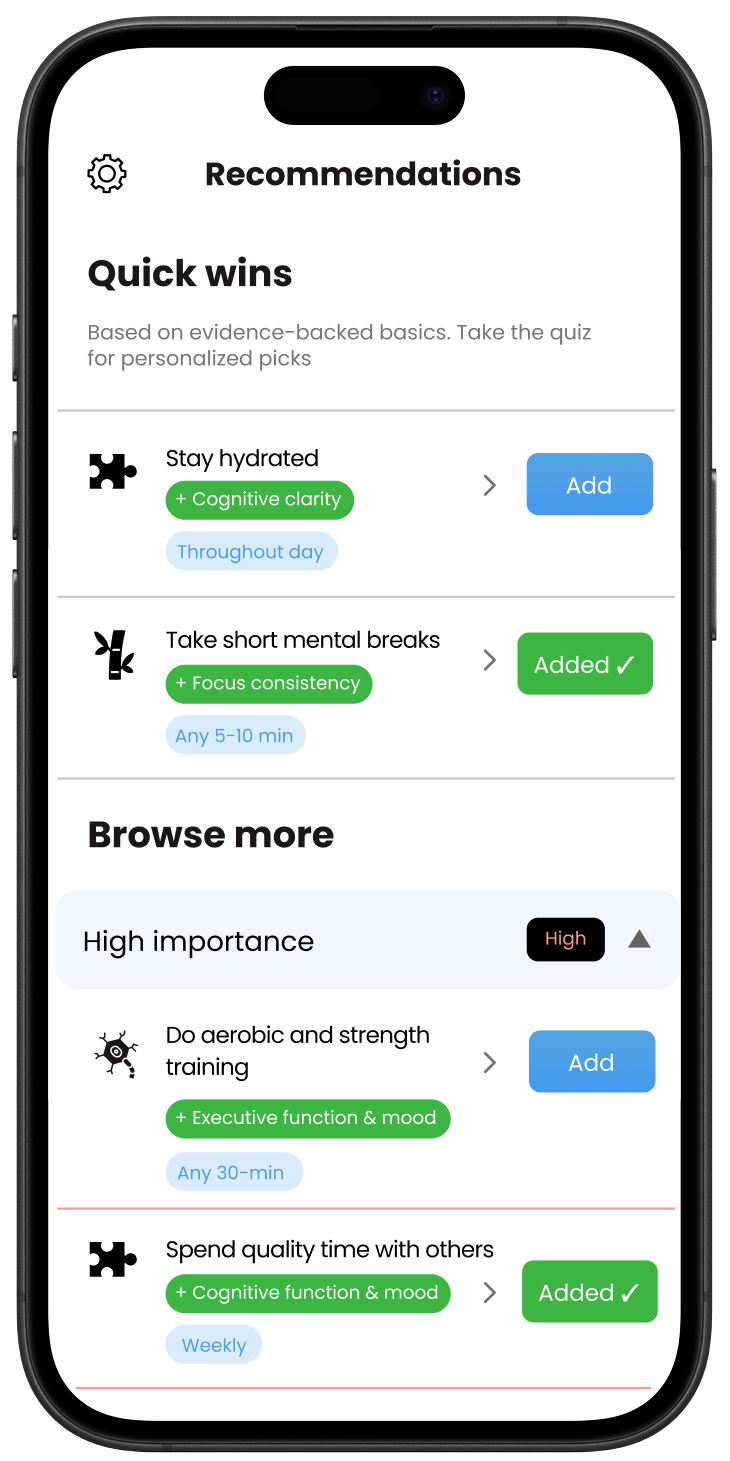
A small plan, grounded in research

Breaks can help reduce fatigue, but their effects on performance depend on the task and context. Choose a block long enough to do something meaningful. Use the task field to name what you will practise, such as solving two problems from memory.
There is no scientifically optimal work-to-break ratio here. The preset lengths are convenient options. You can shorten a block, take a break sooner, or finish the problem you are working on.
A few useful answers
What if I want to finish a problem first?
Use the finish-this-problem option to continue the current timer. The stopping time stays visible. Extending a block may reduce what fits later; edit the remaining plan if needed.
Will the timer work offline?
After the tool has loaded, its timer works without a connection while the tab is open. It uses elapsed time rather than counting timer ticks. Browser suspension can delay the on-screen update, and closing the tab stops the timer.
Can I just count up?
Yes. Choose count up and start with one task. There are no streaks, scores or required sounds.