A small space to make progress
Sleep & focus data viewer
Your days, seen a little more clearly.
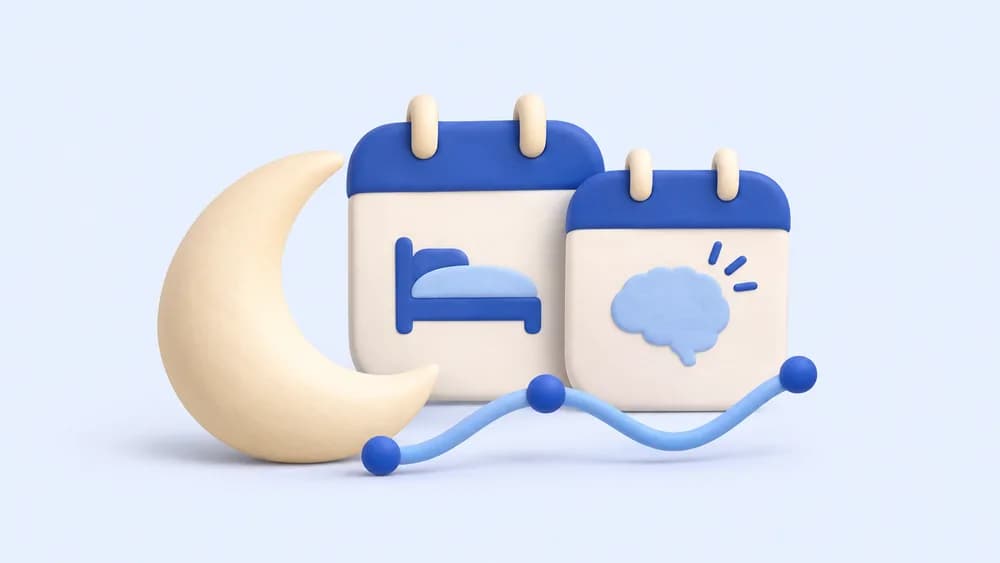
Open your CSV exports, line up two measures by date and explore weekly patterns. See the gaps as clearly as the observations.
Sleep & focus data viewer
CSV format
Your observations will appear here
Open a CSV or explore the example to see how it works.
Make it yours
Choose one CSV for each measure, or use two columns from the same file. Map a date and a numeric column, add a unit, then explore. Daily duplicates are averaged; blank values are missing, never zero. Dates use the calendar date written in your file, with no timezone conversion.
Sources & scope
Patterns are not causes. Chance correlations are common, especially with short records or many comparisons. Wearables estimate sleep; this viewer does not assess health, recommend treatment or explain why a pattern happened.
NIST statistical handbook: association does not prove causality
A few useful answers
Which exports can I open?
CSV files from sleep apps, wearables, spreadsheets, sleep diaries or focus timers work when they contain a date and numeric values. Choose comma, semicolon or tab separators. Use YYYY-MM-DD dates, ISO timestamps, or explicitly choose the order for slash dates. Duration text such as 7h 30m must first be converted to a number.
What happens to missing or duplicate days?
The viewer includes all calendar dates between the first and last mapped observation. Missing values create gaps. Multiple values for a date are averaged separately for each measure. Weekly patterns use the available daily averages and show their counts.
Is the chart a diagnosis?
No. These are descriptive observations. They cannot establish cause and effect or diagnose a condition. If you have concerns about sleep or your health, talk with a qualified health professional.
Build a sleep routine around your day in Helibrain
Continue with your everyday routines in Helibrain. This tool stays here whenever you need it.
Start free in your browser